In this guide (15 sections)
- Why you don't need a website anymore
- The 7 methods compared
- 1. Social media profiles
- 2. YouTube videos
- 3. Landing pages (opt-in pages)
- 4. Email marketing
- 5. Communities: groups, forums and Q&A sites
- 6. Pinterest
- 7. Paid traffic (optional)
- Rules to watch
- Platform-by-platform playbook
- Example: a complete no-website setup
- Content ideas you can use this week
- Tracking without a website
- A simple setup for your first month
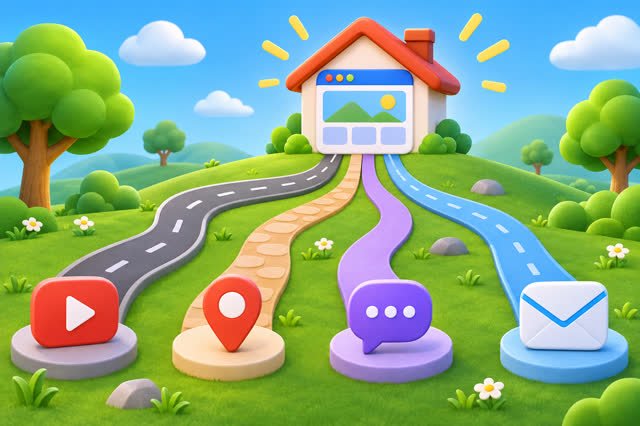
A website is useful, but it isn't required. Plenty of affiliates never build one. What you do need is a place where people find you and a way to stay in touch with them. Here are seven ways to do that, how they compare, and the rules that trip up beginners.
Why you don't need a website anymore
Ten years ago, affiliate marketing usually meant writing review blogs and waiting for Google to rank them. Today, people discover products through short videos, creators they follow, groups, newsletters and search on social platforms. You can reach them on those platforms directly.
The trade-off: you don't own a social account the way you own a website. Algorithms change and accounts can be restricted. That's why the methods below pair a discovery channel (where people find you) with an owned channel (your email list) wherever possible.
The 7 methods compared
| Method | Cost | Speed | Longevity | Best for |
|---|---|---|---|---|
| Social profiles | Free | Medium | Short (posts fade fast) | Most niches |
| YouTube | Free | Slow | Long (videos rank for years) | Tutorials, reviews |
| Landing page | Free–low | Fast to build | Long | Everyone |
| Email marketing | Free to start | Builds over time | Long | Everyone |
| Communities | Free | Medium | Medium | Helpful experts |
| Free | Slow-medium | Long (pins last months) | How-to, home, food, fitness | |
| Paid traffic | Ad budget | Fast | Only while you pay | Tested pages and offers |
1. Social media profiles
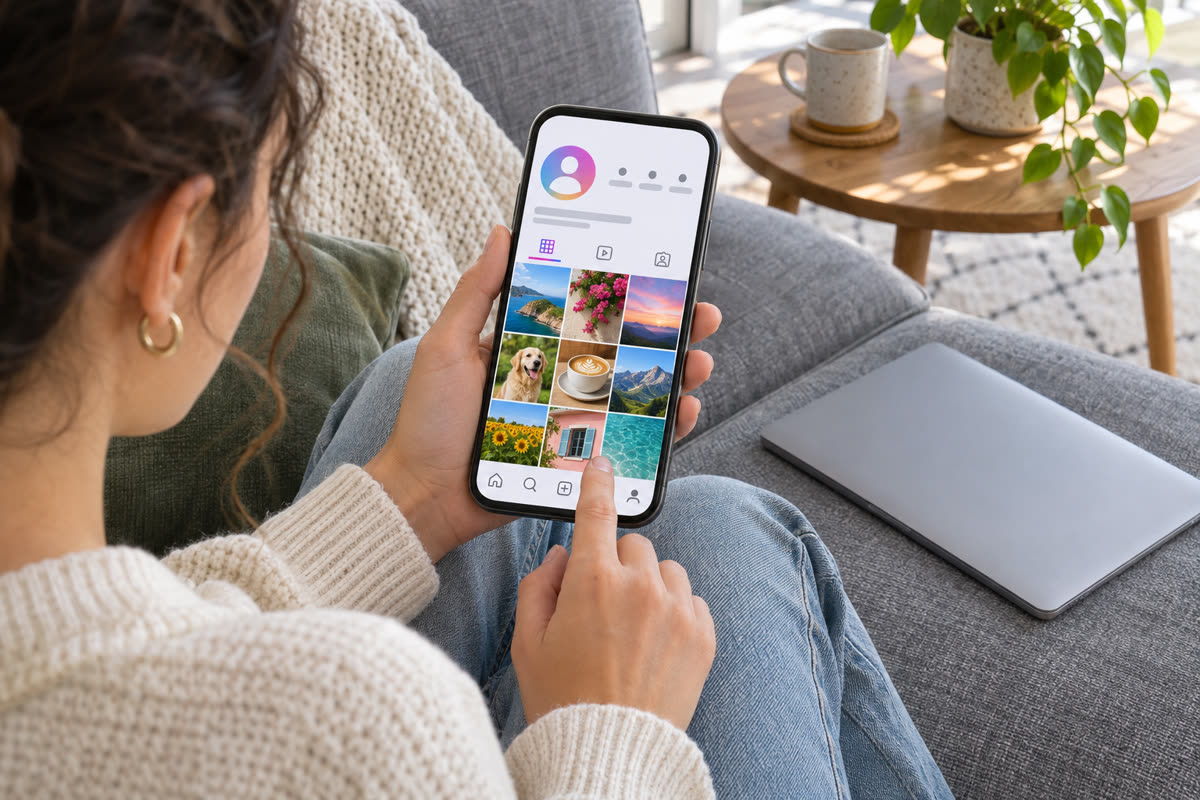
Instagram, TikTok, Facebook, X and LinkedIn all let you put a link in your profile. Post content that's useful on its own, such as tips, mistakes, comparisons or tutorials, and invite people to the link in your bio when it's relevant.
- Use a single link that goes to your landing page, not straight to the product.
- Pin your best post that explains what your free resource is.
- Add a clear disclosure such as "I may earn a commission if you buy through my links."
2. YouTube videos
Tutorials, honest reviews and comparisons are searched every day. A video titled "How to set up X for beginners" can bring visitors for years. Put your links in the description, mention your free resource in the video, and use chapters so viewers can find what they need.
3. Landing pages (opt-in pages)
A landing page is one page with one goal: getting the visitor to join your email list in exchange for something free. It's the closest thing to a website and usually the most valuable piece you'll build, because it turns borrowed traffic into subscribers you can contact again.
A simple structure that works:
- A headline that names the result ("The 10-minute checklist to set up your first ...").
- Three bullet points on what they'll get.
- An email box and a button.
- One line on privacy ("No spam. Unsubscribe anytime.").
4. Email marketing
Once people join, an automatic series of emails can teach, build trust and share recommendations over days and weeks. Email isn't controlled by any algorithm, and subscribers who open your emails regularly are the most likely to buy. Read free email list building for tools, lead magnet ideas and a sample welcome series.
5. Communities: groups, forums and Q&A sites
Facebook groups, Reddit, Quora, Discord servers and niche forums are full of people asking for help. Answer properly without dropping links, and people will check your profile. Over time, you become "the person who knows about X".
- Read each community's rules first. Many only allow links in specific threads.
- Give complete answers, not teasers.
- Keep your landing page in your profile.
6. Pinterest
Pinterest works more like a visual search engine than a social network. A pin with a clear title image ("7 budget meal prep ideas") pointing to your landing page or a free resource can bring visitors for months. It suits how-to, home, food, fitness, crafts, travel and personal finance niches particularly well.
7. Paid traffic (optional)
Once you have a page that converts visitors into subscribers, you can buy traffic: solo ads, push ads, native ads, or social ads. Start very small and track every click. Judge results by subscribers who open and click your emails, not by visitor counts. If you're considering solo ads, read our guide to solo ads and Udimi first.
Rules to watch
- Disclose affiliate links clearly. The FTC requires it in the US, and most platforms do too.
- Check program terms. Some programs ban email promotion, paid search on brand names, link cloaking or certain countries.
- Don't use shorteners to hide links where a platform bans them; it can get your account restricted.
- Don't make income or health promises about a product or about yourself.
- Don't spam DMs or comments. It's the fastest way to lose an account.
Platform-by-platform playbook
Carousels that teach something step by step get saved and shared. Use Reels for reach and Stories for your existing followers. Put your landing page link in your bio, and use Story link stickers when you mention your free resource.
TikTok
Hook in the first two seconds, one idea per video, captions on screen. Many accounts can add a bio link once they meet the platform's requirements; until then, invite viewers to follow for part two and grow your audience first.
YouTube
Search-led titles ("How to ... for beginners") work best. Use chapters, put your landing page first in the description, and pin a comment pointing to your free resource. Shorts can feed viewers into your longer videos.
Groups are where the conversation happens. Your profile is your "shop window": a clear cover image explaining who you help, a featured section with your free resource, and a few public posts that show your expertise.
Create a business account, make several pin designs per landing page, and use keyword-rich pin titles and descriptions. Pins can take weeks to gain traction, then keep sending visitors for months.
Best for B2B, careers, freelancing and software. Share lessons from real work. Many people put links in the first comment or featured section to avoid reach penalties on posts with outside links.
Example: a complete no-website setup
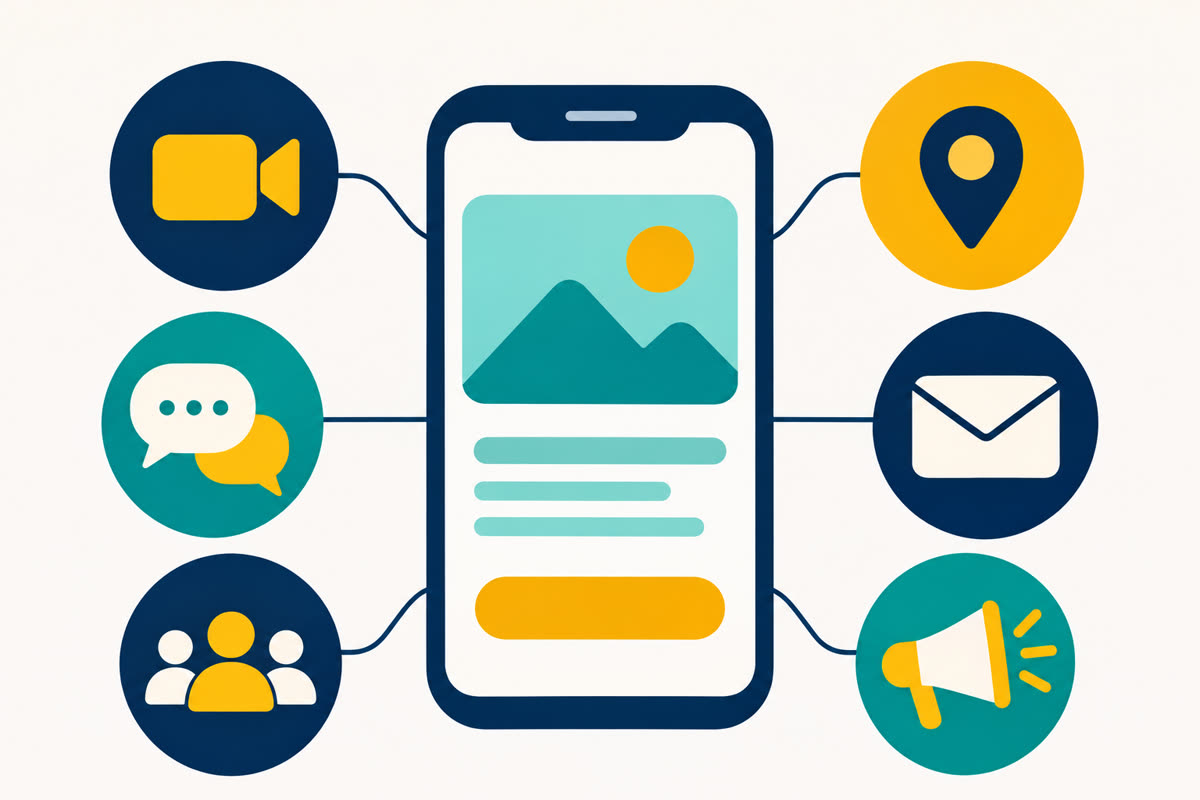
Here's how the pieces connect for a hypothetical account helping new freelancers:
- Content: daily short videos on getting first clients, writing proposals and pricing.
- Profile link: a landing page offering "5 proposal templates that win first clients".
- Welcome emails: template delivery, a tip on profile writing, a story about a rejected proposal, then a recommendation for a proposal-writing tool or a freelancing course, with disclosure.
- Ongoing emails: two per week: one tip, one case study or tool review.
- Community: 20 minutes a day answering questions in freelancing groups.
Nothing here needs a website, coding or money. Every part can be built in a week and improved over the following months.
Content ideas you can use this week
- "3 mistakes I made when I started ..."
- "What I'd do if I had to start ... from zero today."
- "The free tools I use for ..."
- "X vs Y: which is better for beginners?"
- "How to ... in under 10 minutes."
- "Questions people ask me about ..." (answer three per post)
- "A beginner's checklist for ..."
- "What nobody tells you about ..."
Tracking without a website
Even without a site, you can see what works:
- Give each platform its own tagged link to your landing page (for example
?src=ig,?src=yt). - Check your email tool weekly: which source brings sign-ups who actually open?
- Use each platform's built-in analytics to see which posts drive profile visits and link clicks.
- Note which email links get clicked and which recommendations lead to sales in your affiliate dashboard.
Spend more time on the channel that brings engaged subscribers, not just the one with the most views.
A simple setup for your first month
If you're new, pair one discovery channel with one landing page and an email series:
- Week 1: choose your niche and offer, create a lead magnet, build your page and a 5-email series.
- Week 2: set up one social profile (or YouTube) and publish daily.
- Week 3: add community answers 3–4 times a week.
- Week 4: review which posts brought sign-ups and make more like them.
That combination costs nothing, needs no coding and keeps working even when a single post stops getting views. For the bigger picture, see how to start affiliate marketing with no money.
Frequently asked questions
Is it allowed to do affiliate marketing without a website?
Most networks allow it, but some (for example Amazon Associates) ask you to list where you'll promote and have rules about where links can appear. Always read your program's terms before posting links.
What is the easiest way without a website?
For most beginners: a landing page that collects emails, shared from one social profile, with a short automatic email series. It needs no coding and lets you follow up with people who don't buy straight away.
Can I post affiliate links directly on social media?
Often yes, but many platforms limit or hide posts with outside links, and many groups ban them. Linking from your profile or bio and disclosing that it is an affiliate link is usually safer.
Do I need to show my face?
No. Screen recordings, voiceovers, text-on-screen videos, carousels and written answers all work without showing your face.
Should I build a website later?
It can help: a site can rank on Google and you control it fully. But it's optional, and many affiliates do well with social channels plus an email list.
Some links on this site are affiliate or referral links, and we may earn a commission if you buy through them. Results depend on your traffic and effort. Earnings are not guaranteed.